

Export evaluations
- Go to Evaluations.
- Apply the date, scorecard, agent, team, or other evaluation filters you need.
- Click Export.
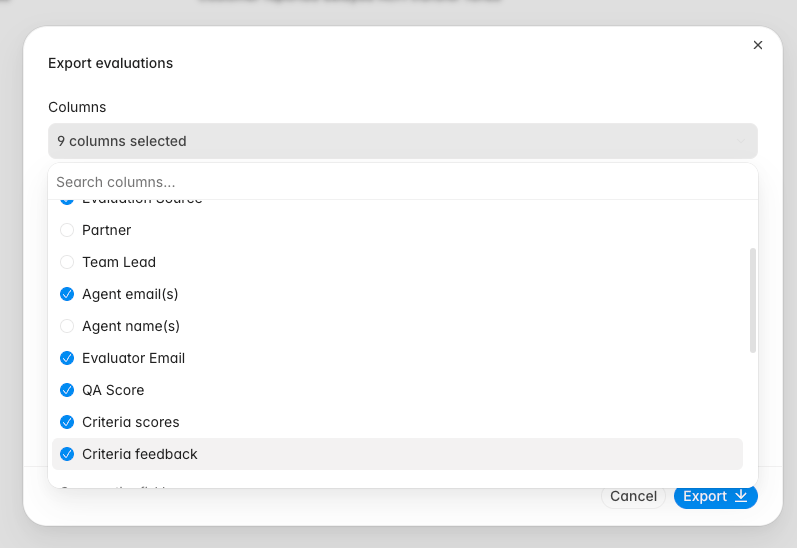
- Choose the columns to include.
- Review the export preview.
- Click Export.
Export criterion scores and feedback
Use the two criterion options for different kinds of analysis:
Select both options when you need numeric results and the explanation behind each result. Select only Criteria feedback when the workbook is for qualitative review.
Feedback is exported as readable text. Message references become labels such as
[message 1], knowledge references use the document title when available, and timestamps use the workspace timezone.
Interpret the workbook
The workbook groups criterion columns by scorecard. An evaluation appears under the scorecard used to produce its result. Empty or unavailable values appear asNA.
Keep the export filters with the workbook when sharing it so reviewers know which evaluations were included.